 Palmview
See your site the way phones really show it.
Real Safari and Chrome bars, true viewports, actual size, and 3D mockups of your live site. All inside Chrome.
No account. No subscription. Nothing leaves your computer.
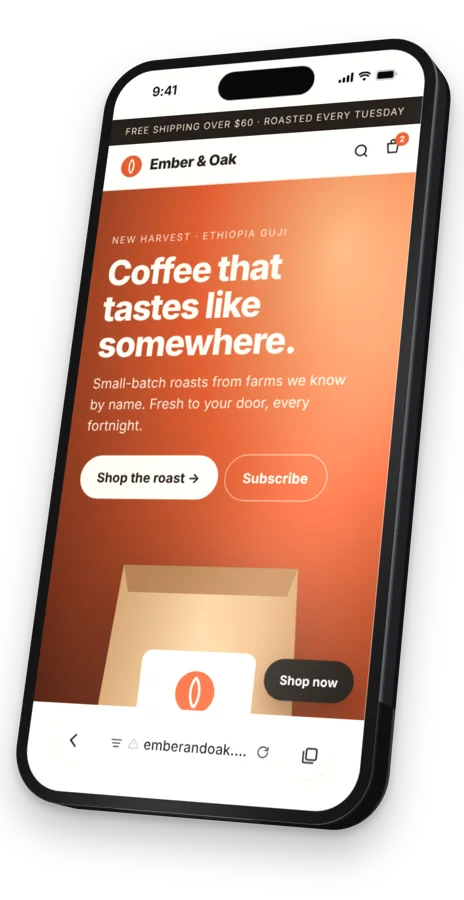
Most simulators give the page the whole screen. Phones don't.
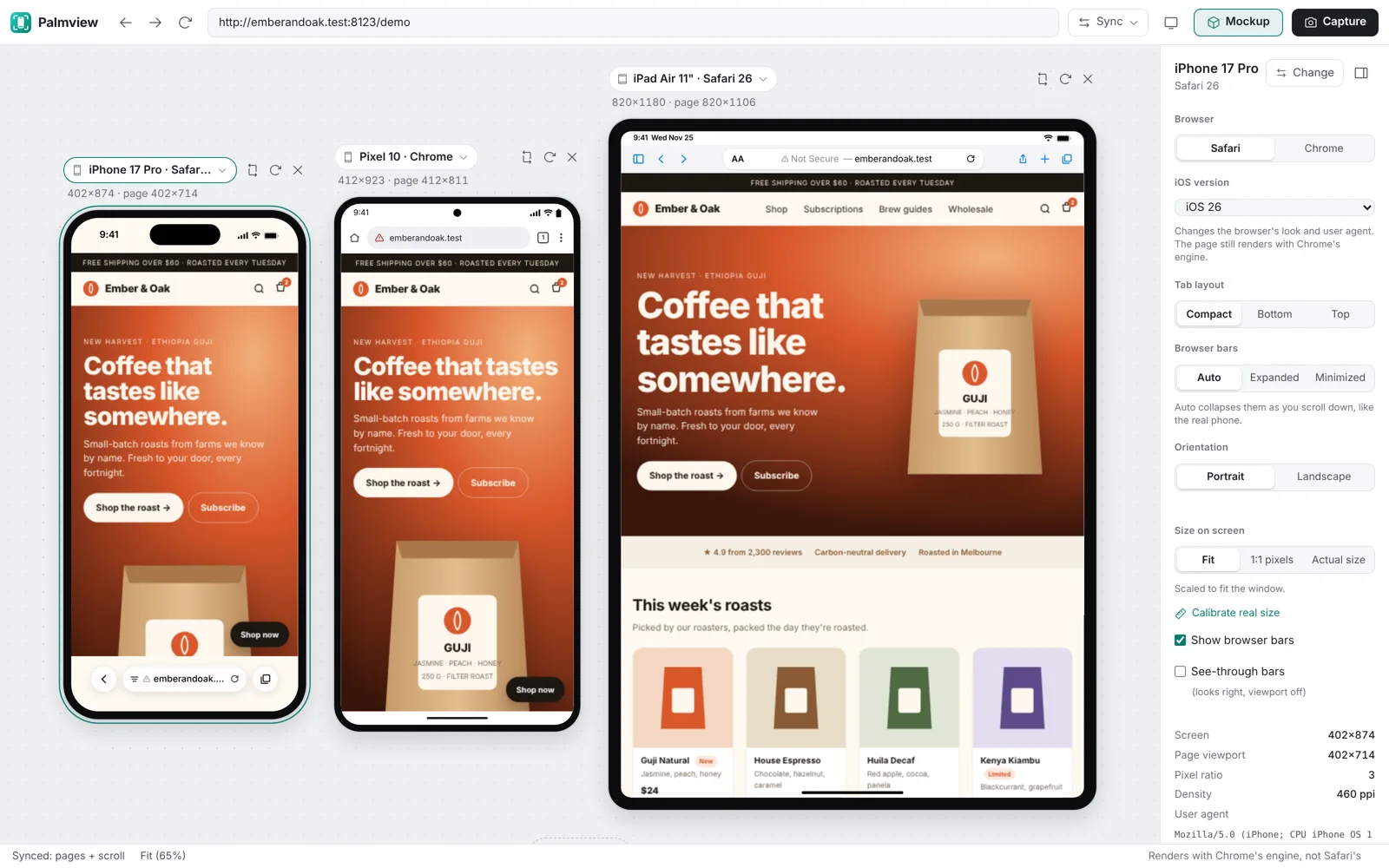
Safari and Chrome bars take space, then shrink as you scroll. Palmview copies that, measured on real iPhones, so what you see above the fold is what your visitors see.
Real browser bars
iOS 26 Safari (Compact, Bottom and Top tabs), Chrome on iPhone and Android, collapsing as you scroll.
Actual size
Calibrate once with a bank card and the phone on screen matches the one in your hand, to the millimetre.
The right HTML
Each device sends its own user agent, so sites that serve different pages to phones show the phone version.
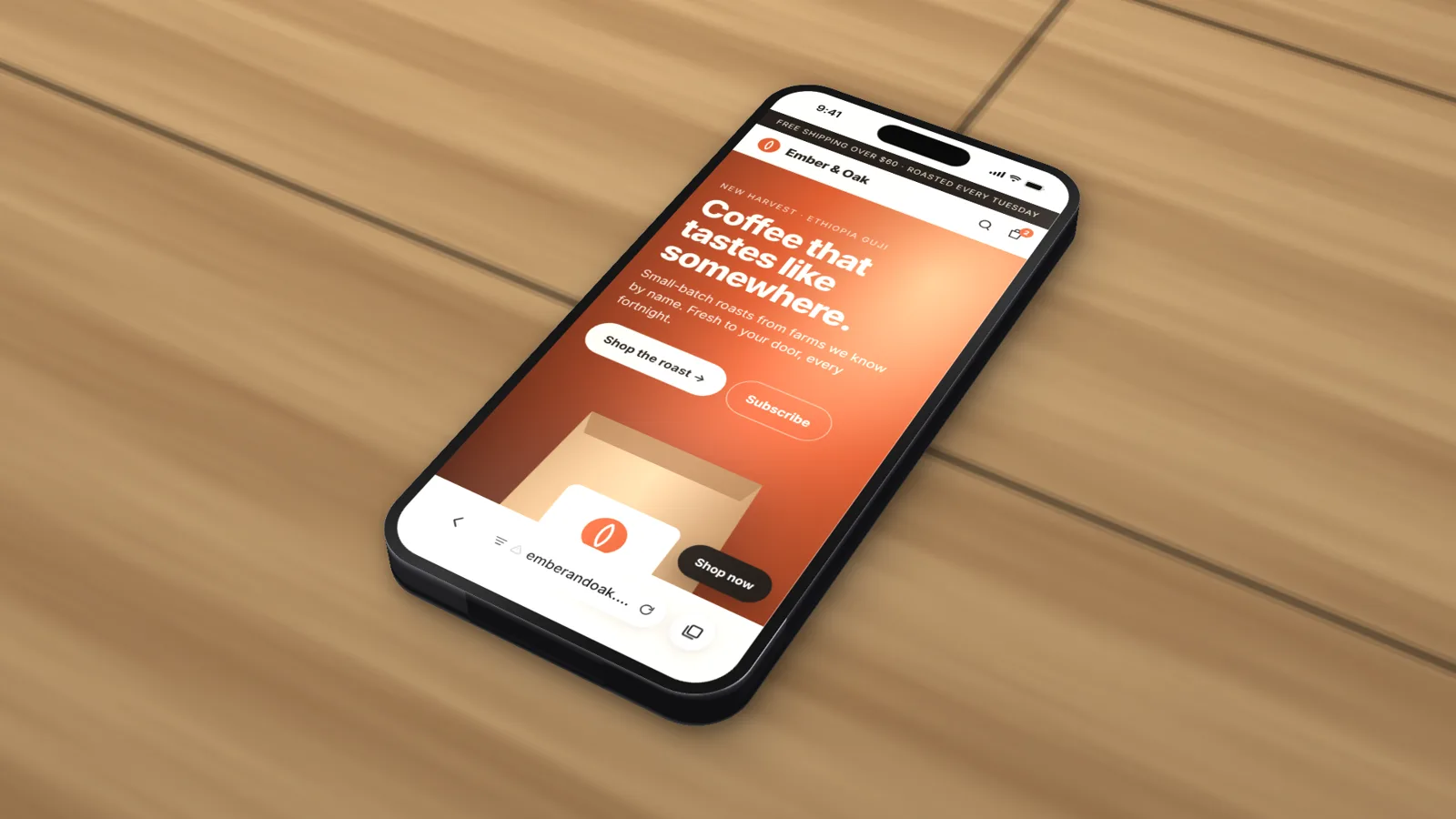
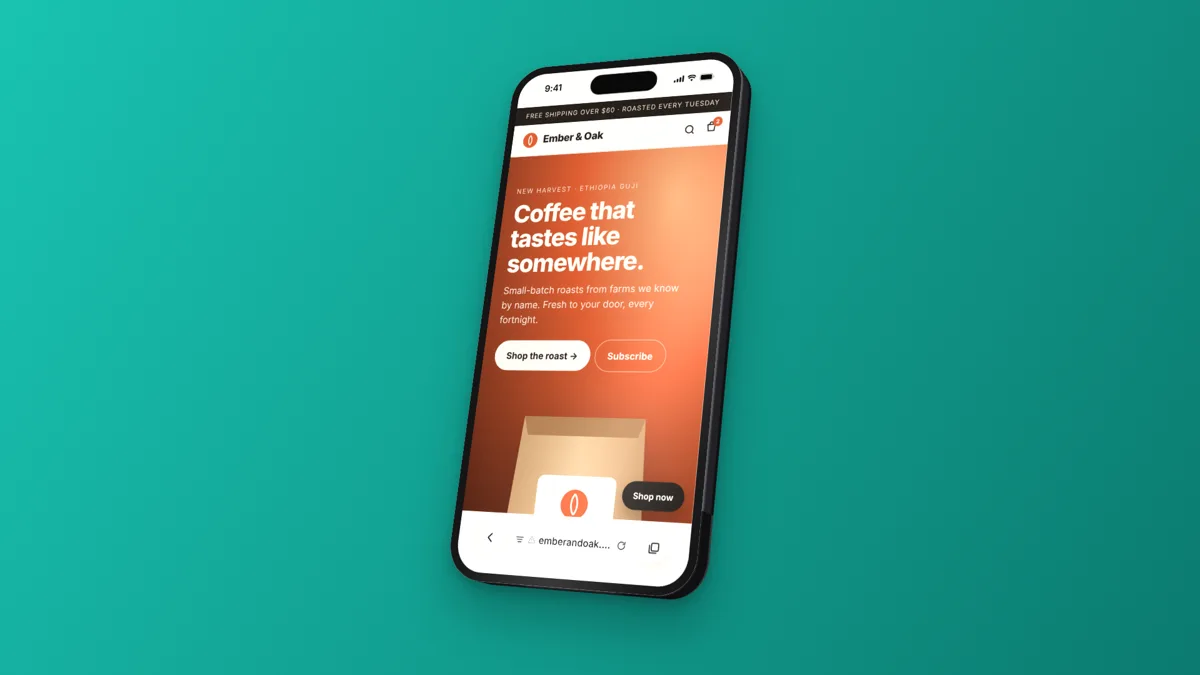
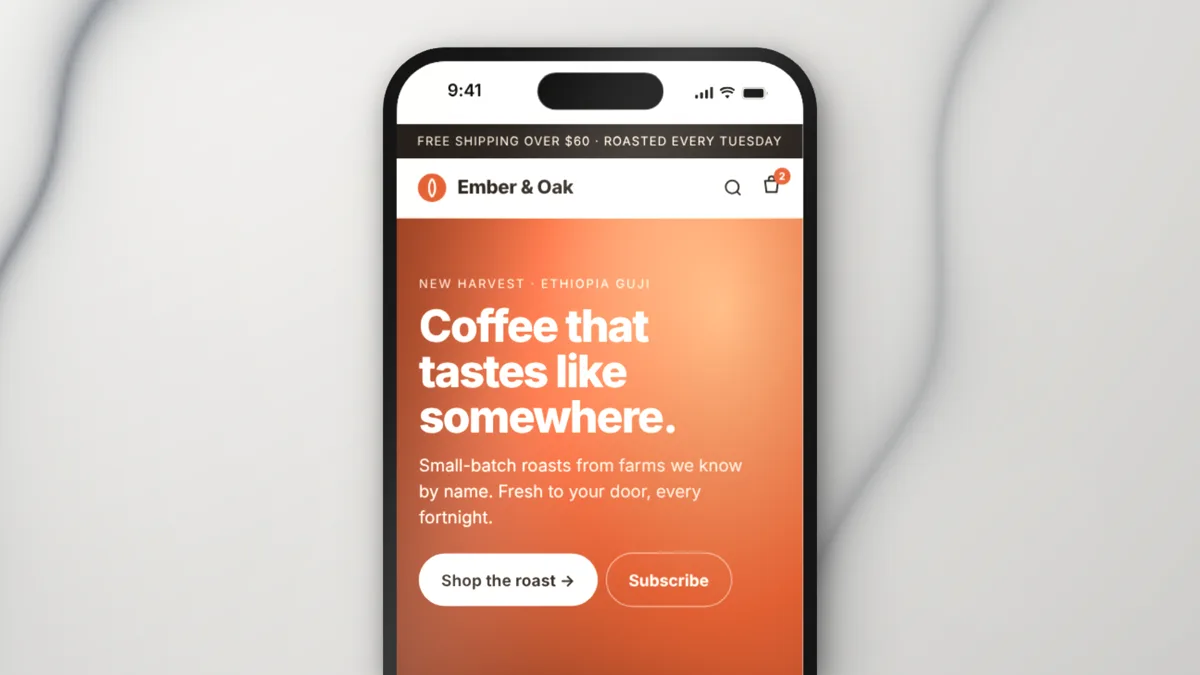
3D mockups of your live site.
Open the mockup studio, scroll the real page to the part you want, tilt it, drop it on oak or marble, and export at up to 8K.
- Live screen you can scroll and tap
- Flat, tilted, floating and isometric
- Oak, marble, concrete, linen or your own image
- 16:9, 1:1, 4:5, 9:16 and custom
- Transparent PNGs
Free for checking. Pro for showing it off.
The accurate core is free forever. Pro is a one-off US$4.99, with every future Pro feature included.
Free
- Every phone, tablet and desktop
- Real Safari and Chrome bars
- Actual size and the right HTML per device
- Up to 3 devices side by side
- Screenshots of one device, including full page
Pro
- Everything in Free
- Unlimited devices side by side
- Mockup studio: 3D angles, surfaces, up to 8K
- Device-frame PNGs: phones, tablets, laptops
- Capture every device in one image
- All future Pro features
Upgrade from inside the extension. Payments by Stripe through ExtensionPay. Already paid? Restore your purchase.
Questions
Is this the same as testing on a real iPhone?
Very close on layout: the viewport, browser bars, pixel ratio and user agent match real devices, and we check them against real phones. The page is still drawn by Chrome's engine, not Safari's, so for WebKit-only bugs test on a real device. Palmview says so in the status bar.
Which devices are included?
Current iPhones (including iPhone 17 and 18 models), Pixel and Galaxy phones, every current iPad, MacBooks and common Windows laptop and monitor sizes. We add new devices as they launch.
Does it work with localhost and staging sites?
Yes. Pages load in your own browser, so anything you can open in Chrome works, including localhost and sites behind a login.
What do you collect?
Nothing about the sites you preview. Settings stay on your computer. If you buy Pro, ExtensionPay and Stripe handle the payment. See the privacy policy.
I bought Pro on another computer.
Open Palmview, choose Restore purchase in the settings panel and enter the email you paid with. Step by step.